Is Pika AI worth it?
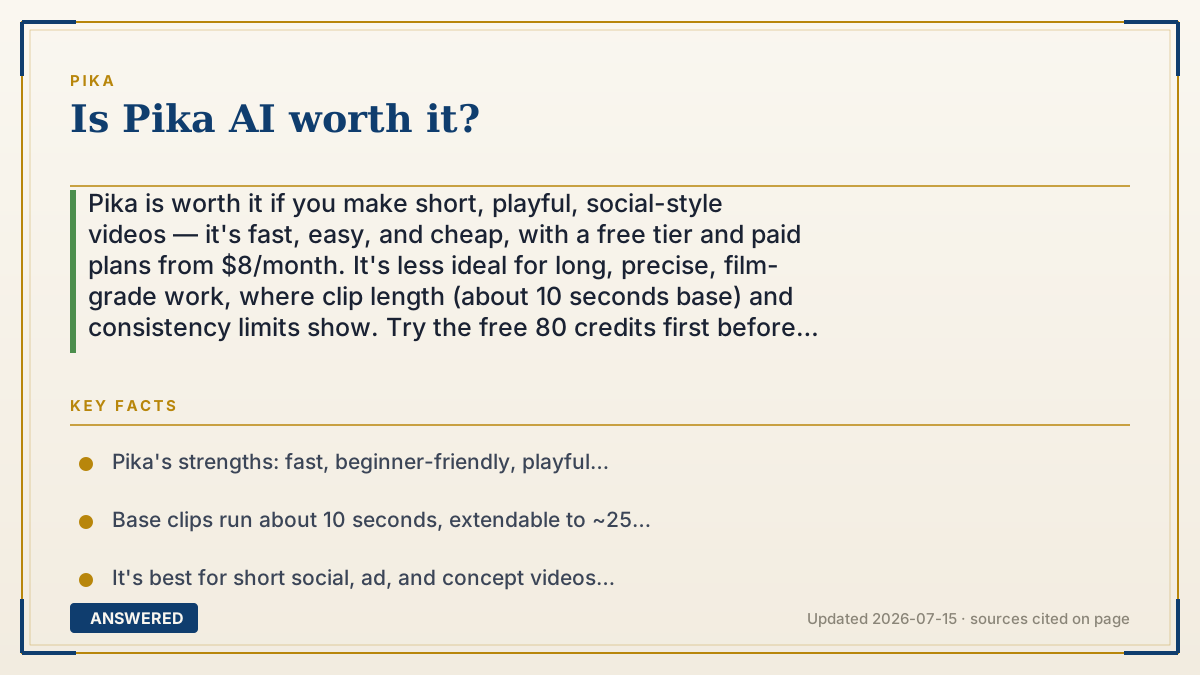
Pika is worth it if you make short, playful, social-style videos — it's fast, easy, and cheap, with a free tier and paid plans from $8/month. It's less ideal for long, precise, film-grade work, where clip length (about 10 seconds base) and consistency limits show. Try the free 80 credits first before paying.
Why — the first-principles explanation
Whether a tool is "worth it" depends on matching its strengths to your job. Pika was built for speed and approachability — quick short clips, fun effects like Pikaffects and Pikaswaps, and an interface simple enough for beginners. If your work is TikTok hooks, memes, ads, or concept animations, that's exactly the sweet spot, and the low price makes the math easy.
The limits come from the same design. AI video stays coherent only over short spans, so Pika's base clips top out around 10 seconds (extendable to ~25 with Pikaframes), and keeping a character perfectly consistent across a long story is still hard. If you need minutes of tightly controlled, film-grade footage, you'll fight the tool. The honest test is length and control: short and stylistic favors Pika; long and exacting doesn't.
The price tilts the verdict. A free tier lets you judge quality risk-free, and Basic at $8/month removes the watermark for commercial use — a low bar to clear. Because there's a genuine free plan, the smart move is to test your actual use case with the 80 free credits before deciding, rather than trusting any review, including this one.
An example that makes it click
It's like asking whether a pocket camera is 'worth it.' For snapping quick, fun photos at a party, a $100 pocket camera is fantastic — light, cheap, and instant. But if you're shooting a wedding you'll sell prints from, you'd want a pro rig. Neither is 'better'; they fit different jobs. Pika is the pocket camera of AI video: perfect for quick, punchy clips, not built to replace a film studio. Match it to your party, not your wedding.
How to do it
- Sign up free at pika.art and use the 80 monthly credits.
- Test your real use case — recreate a clip you'd actually publish.
- Judge it on your needs: clip length, consistency, style, and speed.
- If it fits and you'll publish, upgrade to Basic ($8/mo) for watermark-free commercial use.
- For long, precise, film-grade work, compare against tools built for that before committing.
Key facts
- Pika's strengths: fast, beginner-friendly, playful effects, low price (free plan; Basic $8/month).
- Base clips run about 10 seconds, extendable to ~25 seconds with Pikaframes.
- It's best for short social, ad, and concept videos rather than long film work.
- Character consistency over long sequences remains a limitation of AI video.
- The free 80-credit plan lets you evaluate quality before paying.
Open the current plans, credits, usage limits and cancellation terms before you subscribe.
▶ The 60-second explainer (script)
Is Pika AI worth it? It depends on what you're making. Pika's superpower is short, fun, fast video — TikTok hooks, memes, ads, quick concept animations. It's beginner-friendly, packed with playful effects, and cheap, with a free plan and paid tiers starting at just eight dollars a month. For that kind of work, it's absolutely worth it. Where it struggles is long, precise, film-grade footage. Base clips run about ten seconds, and keeping a character perfectly consistent across a long story is still hard for any AI video tool. So if you need minutes of tightly controlled cinema, Pika will fight you. The best part? You don't have to guess. There's a real free plan with eighty credits a month. Test your actual use case first, then decide. Match the tool to your job, and Pika is easy to recommend.
What authoritative sources say
People also ask
Who is Pika best for?
Creators of short, punchy social videos, ads, memes, and concept clips who value speed and ease over long-form precision.
Is Pika good for professional film work?
Less so. Short clip lengths and consistency limits make it better for stylistic shorts than long, exacting productions.
Can I try Pika before paying?
Yes. The free plan gives 80 credits a month, enough to test your use case before upgrading.
Is the $8 Basic plan enough?
For occasional watermark-free commercial clips, yes. Heavy creators usually need Standard's 700 credits or more.
The same question, asked other ways
- Is Pika labs pro worth it?