Can you delete my AI on Snapchat?
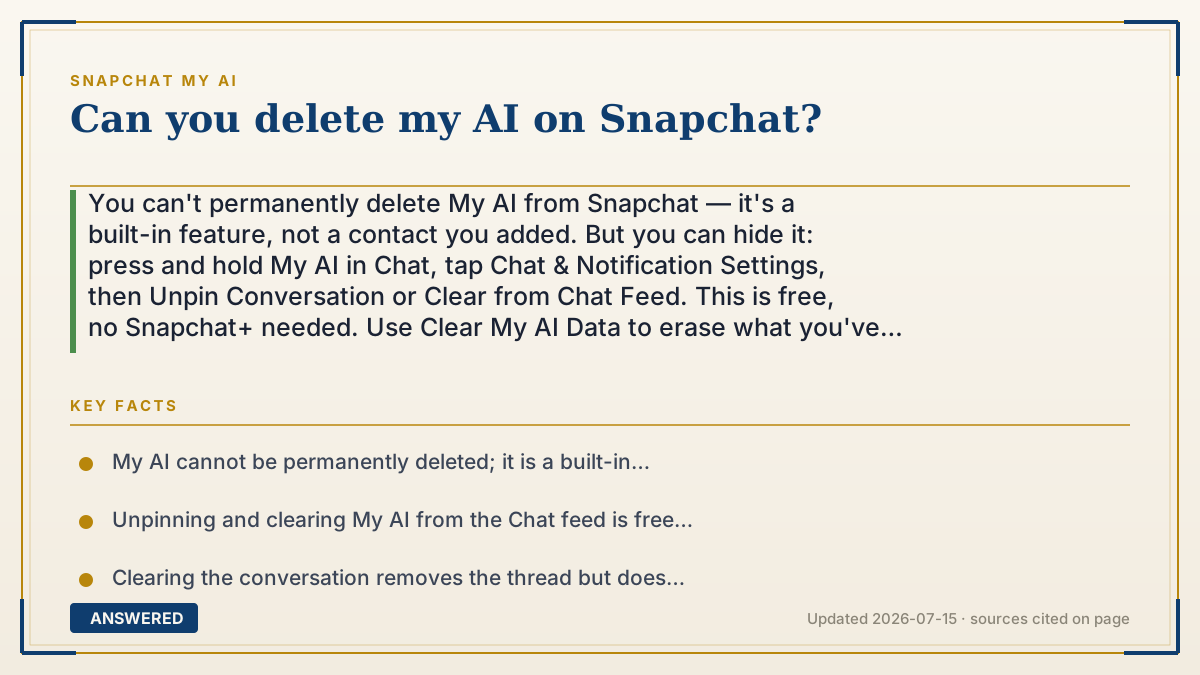
You can't permanently delete My AI from Snapchat — it's a built-in feature, not a contact you added. But you can hide it: press and hold My AI in Chat, tap Chat & Notification Settings, then Unpin Conversation or Clear from Chat Feed. This is free, no Snapchat+ needed. Use Clear My AI Data to erase what you've shared.
Why — the first-principles explanation
My AI is not a friend you added or an app you installed — it is a feature Snap built into the app itself, pinned to the top of your Chat feed by default. Because it is part of Snapchat's core product, there is no button that removes it forever the way you'd delete a photo or block a person. The app is designed to keep the assistant available so you can message it again anytime.
What you actually control is visibility and data, and those are two separate things. Unpinning or clearing the conversation only removes the chat thread from your feed — it hides the assistant but does not erase anything you typed. Snap keeps the content you shared with My AI until you actively delete it.
To remove the underlying data, Snapchat gives a separate control called Clear My AI Data, which requests deletion from Snap's servers. Snap says this can take up to 30 days to fully process. So 'deleting' My AI really means two choices: hide the chat from your feed, and separately wipe the history you fed it.
An example that makes it click
Think of My AI like the built-in weather app on a phone. You can't uninstall it, but you can drag its icon off your home screen so you stop seeing it. The app is still there in the background. Snapchat works the same way — you push My AI out of view, but the feature stays part of the app.
And hiding the icon doesn't erase your search history inside it. To wipe that, you go into settings and tap 'clear data' — a separate step that actually deletes the record, not just the shortcut.
How to do it
- Open Snapchat and swipe right from the Camera to reach the Chat screen.
- Press and hold on the 'My AI' conversation.
- Tap 'Chat & Notification Settings'.
- Tap 'Unpin Conversation' to remove it from the top, or 'Clear from Chat Feed' to hide the whole thread.
- To erase your data, go to Settings > Privacy Controls > Clear Data > 'Clear My AI Data' (iOS) or Settings > Account Actions > 'Clear My AI Data' (Android).
Key facts
- My AI cannot be permanently deleted; it is a built-in Snapchat feature, not a removable contact.
- Unpinning and clearing My AI from the Chat feed is free and no longer requires a Snapchat+ subscription.
- Clearing the conversation removes the thread but does NOT delete data you previously shared with My AI.
- Clearing My AI Data can take up to 30 days to fully delete from Snapchat's servers.
- My AI may reappear in your Chat feed if you message it again.
▶ The 60-second explainer (script)
No, you can't fully delete My AI from Snapchat — it's a feature Snap built into the app, not a contact you can remove for good. But you can get it out of your way. Swipe right to your Chat screen, then press and hold on My AI. Tap Chat and Notification Settings, and you'll see options to Unpin the conversation or Clear it from your Chat feed. Both are free now — you don't need Snapchat Plus. Just know that clearing the chat only hides it; it doesn't erase what you typed. To actually wipe your data, go to Settings, then Privacy Controls or Account Actions, and tap Clear My AI Data. That deletion can take up to 30 days on Snapchat's servers. And heads up: if you message My AI again, it'll pop back into your feed.
What authoritative sources say
People also ask
Can I delete My AI without Snapchat+?
Yes. Unpinning and clearing My AI from your Chat feed is free for all users and no longer needs a Snapchat+ subscription.
Will My AI come back after I remove it?
It can. My AI may reappear at the top of your Chat feed if you send it another message, because it is a permanent built-in feature.
How do I delete what I told My AI?
Use Clear My AI Data in Settings (Privacy Controls on iOS, Account Actions on Android). This requests server-side deletion, which can take up to 30 days.