Do you need Snapchat plus to remove my AI?
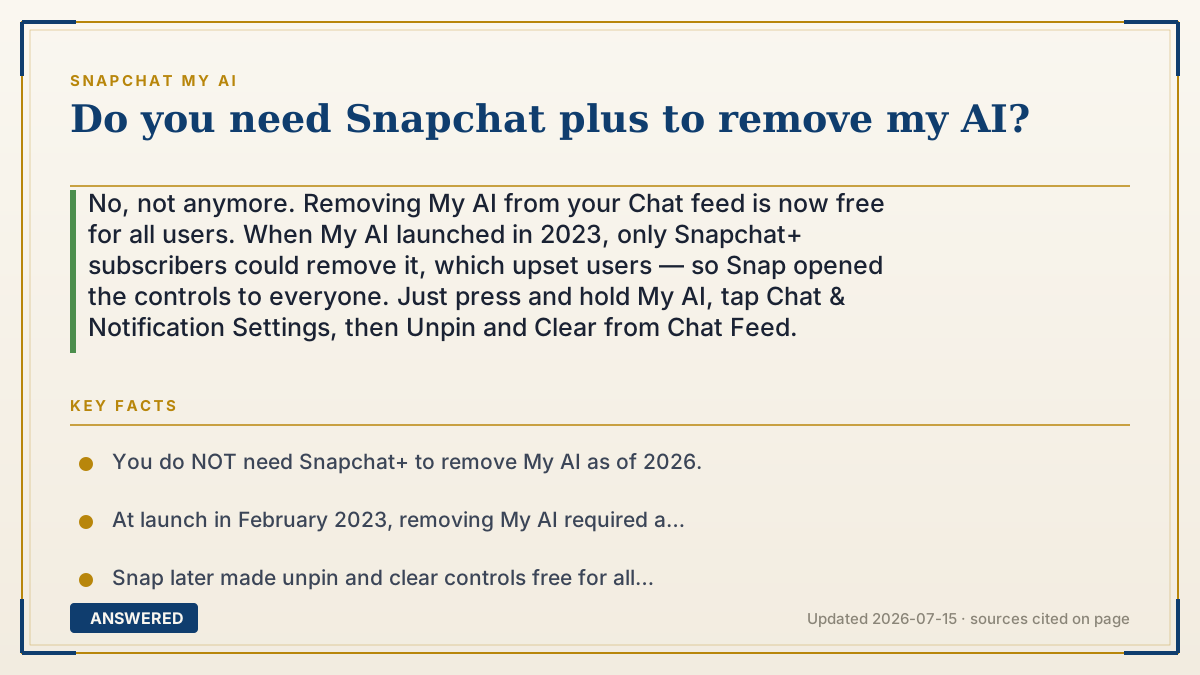
No, not anymore. Removing My AI from your Chat feed is now free for all users. When My AI launched in 2023, only Snapchat+ subscribers could remove it, which upset users — so Snap opened the controls to everyone. Just press and hold My AI, tap Chat & Notification Settings, then Unpin and Clear from Chat Feed.
Why — the first-principles explanation
This question exists because of history, not current rules. When Snap launched My AI in February 2023, the option to remove it from the Chat feed was gated behind the paid Snapchat+ subscription. Charging people to hide a feature they didn't ask for generated a wave of complaints and bad press.
Snap responded by opening the removal controls to all users. Today, unpinning and clearing My AI from your feed are free features in the standard long-press menu. There's no subscription check, no paywall — a brand-new free account has the same controls as a Snapchat+ subscriber.
It's worth separating two ideas, though. 'Remove' here means hide from your feed, not delete forever. My AI is a built-in feature, so no amount of paying (or not paying) makes it permanently disappear; message it again and it returns. If your goal is erasing your data rather than hiding the chat, that's the separate — and also free — 'Clear My AI Data' control in Settings.
An example that makes it click
Imagine a gym that used to charge extra just to let you fold up a treadmill you never wanted in your space. Members were annoyed, so the gym made folding it away free for everyone. That's the My AI story — the 'put it out of the way' button stopped costing money.
So you don't need the premium membership card to tuck My AI out of sight. Any member can do it. The card was never the real requirement; that was just how it started.
How to do it
- Open Snapchat and swipe right to the Chat screen.
- Press and hold on the 'My AI' conversation.
- Tap 'Chat & Notification Settings'.
- Tap 'Unpin Conversation', then long-press again and tap 'Clear from Chat Feed'.
- No Snapchat+ prompt will appear — these controls are free.
Key facts
- You do NOT need Snapchat+ to remove My AI as of 2026.
- At launch in February 2023, removing My AI required a Snapchat+ subscription.
- Snap later made unpin and clear controls free for all users after user backlash.
- 'Removing' hides My AI from the feed; it can't be permanently deleted and may return if messaged.
- Clearing My AI Data (to erase history) is a separate free control in Settings.
▶ The 60-second explainer (script)
Do you need Snapchat Plus to remove My AI? No — not anymore. Here's the backstory. When My AI first launched in early 2023, Snapchat only let paying Snapchat Plus subscribers remove it from their Chat feed. People were frustrated at having to pay just to hide a feature they never asked for, and the complaints got loud. So Snap changed it. Today, removing My AI is free for absolutely everyone. Just swipe right to your Chat screen, press and hold on My AI, tap Chat and Notification Settings, then Unpin Conversation and Clear from Chat Feed. No subscription, no paywall. One thing to remember: removing it just hides it — My AI is a built-in feature, so it can come back if you message it again. And if what you really want is to erase your data, there's a separate free option called Clear My AI Data in your settings.
What authoritative sources say
People also ask
Was Snapchat+ ever required to remove My AI?
Yes. When My AI launched in February 2023, only Snapchat+ subscribers could remove it. Snap later made the controls free.
Can free users fully delete My AI?
Free users can hide it (unpin and clear from feed), but no one can permanently delete it — it's a built-in feature that can return.
What does Snapchat+ actually add for My AI?
Optional cosmetic perks like custom My AI avatars and chat backgrounds — not removal or core access, which are free.