How to use Veo 3.1 in Gemini?
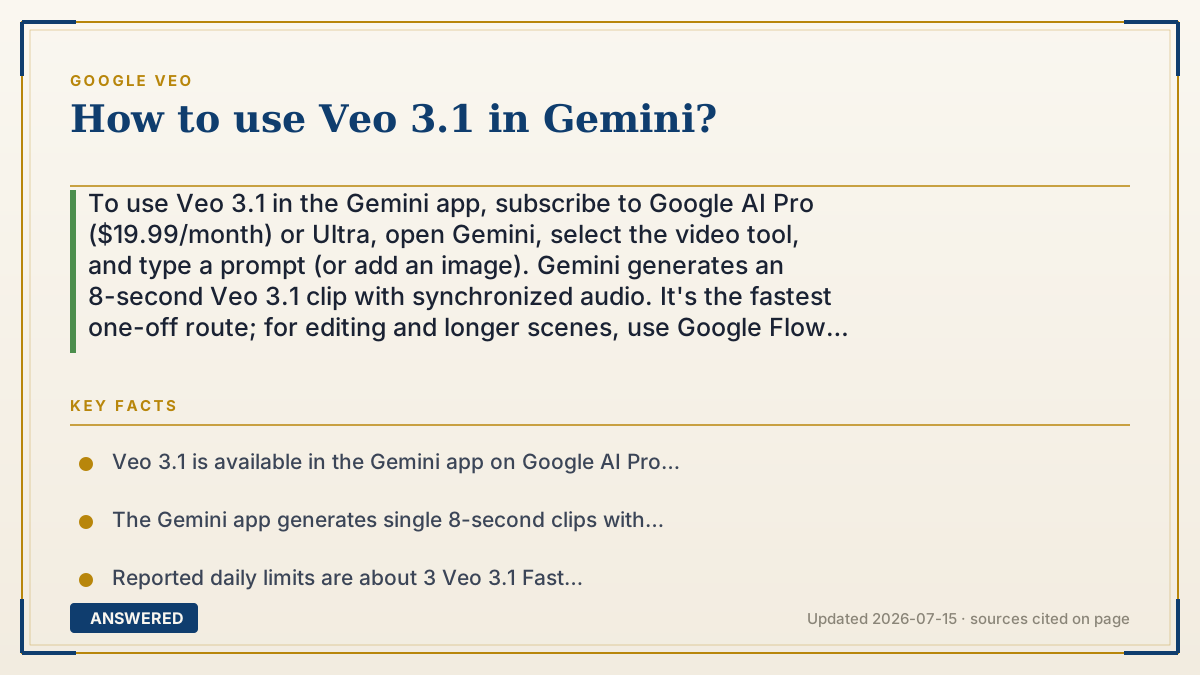
To use Veo 3.1 in the Gemini app, subscribe to Google AI Pro ($19.99/month) or Ultra, open Gemini, select the video tool, and type a prompt (or add an image). Gemini generates an 8-second Veo 3.1 clip with synchronized audio. It's the fastest one-off route; for editing and longer scenes, use Google Flow instead, as of 2026-07.
Why — the first-principles explanation
The Gemini app is Veo's consumer front door — the same chat interface you use for text, extended to video. You type what you want, and Gemini routes the request to the Veo 3.1 model, which generates the clip and hands it back in the conversation. There's no timeline or editor; the appeal is speed and simplicity for quick, single clips.
This is deliberate product design. Google wants casual users to make a video as easily as asking a question, so it hides all the complexity behind the prompt box. The trade-off is less control: you get one 8-second clip per generation, with daily caps (reported around 3/day on Pro using the Fast model), and no scene-extension or multi-shot tools — those live in Flow.
Because it's tied to your subscription, using Veo 3.1 in Gemini requires a paid plan; the free Gemini tier gives text but not full Veo video. Your prompt is the only real lever, so writing a clear, specific description — subject, action, camera move, dialogue in quotes, mood — is how you get good results. So 'using Veo 3.1 in Gemini' is the easy path: subscribe, prompt, generate. When you outgrow single clips, graduate to Flow.
An example that makes it click
Using Veo in Gemini is like ordering at a coffee counter: you say exactly what you want — 'a large iced latte with oat milk' — and it's handed to you in one go. Fast, simple, one drink at a time. You can't stand behind the counter rearranging the espresso machine; you just place clear orders and get clean results.
So you type 'a corgi surfing a big wave at sunset, cinematic, with ocean sounds,' and Gemini brings back an 8-second clip with matching audio. Want to make a whole café menu (a full film)? That's when you move to Flow's kitchen.
How to do it
- Subscribe to Google AI Pro ($19.99/month) or Ultra to unlock Veo in Gemini.
- Open the Gemini app (web or mobile) and sign in with your Google account.
- Select the video generation tool or start a prompt describing your video.
- Write a specific prompt: subject, action, camera move, dialogue in quotes, and mood; optionally attach a starting image.
- Generate the 8-second Veo 3.1 clip, review it, and refine the prompt if needed.
- For editing, scene extension, or longer videos, switch to Google Flow at labs.google/flow.
Key facts
- Veo 3.1 is available in the Gemini app on Google AI Pro and Ultra plans.
- The Gemini app generates single 8-second clips with synchronized native audio.
- Reported daily limits are about 3 Veo 3.1 Fast videos/day on Pro and about 5/day on Ultra.
- The free Gemini tier does not include full Veo video generation.
- For editing and longer scenes, Google Flow (labs.google/flow) is the better tool.
Open the official product and verify the active account, workspace and data settings before you begin.
▶ The 60-second explainer (script)
Here's how to use Veo 3.1 in the Gemini app. First, subscribe to Google AI Pro for nineteen ninety-nine a month, or Ultra. Then open Gemini, sign in, and select the video tool. The Gemini app is Veo's simplest front door — it's the same chat interface you use for text, just extended to video. Type a clear prompt: name the subject, the action, the camera move, put any dialogue in quotes, and set the mood. You can also attach a starting image. Gemini sends it to Veo 3.1 and hands back an 8-second clip with synchronized audio. The trade-off for that simplicity is less control — one clip at a time, with daily limits, and no editing tools. When you need scene extension or a multi-shot film, that's your cue to switch over to Google Flow.
What authoritative sources say
People also ask
Do I need to pay to use Veo 3.1 in Gemini?
Yes. It requires Google AI Pro ($19.99/month) or Ultra; the free Gemini tier doesn't include full Veo video.
How long are clips made in Gemini?
Up to 8 seconds per generation, with synchronized native audio.
Can I edit or extend videos in the Gemini app?
No. For scene extension and editing, use Google Flow at labs.google/flow instead.
How many videos can I make per day in Gemini?
Reported limits are about 3 Veo 3.1 Fast videos/day on Pro and about 5/day on Ultra; limits can change.
The same question, asked other ways
- How do I access Google Veo through the Gemini app?