Is ChatGPT down?
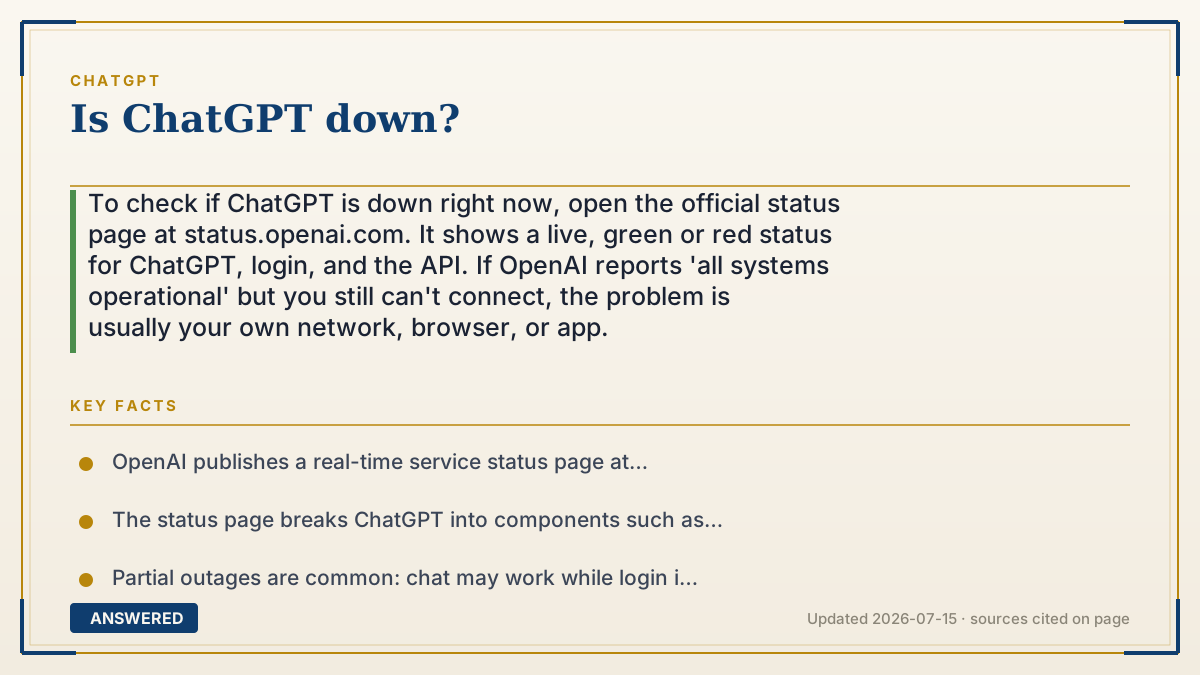
To check if ChatGPT is down right now, open the official status page at status.openai.com. It shows a live, green or red status for ChatGPT, login, and the API. If OpenAI reports 'all systems operational' but you still can't connect, the problem is usually your own network, browser, or app.
Why — the first-principles explanation
ChatGPT runs on shared cloud servers, so when something breaks it usually breaks for many people at once, not just you. That is why the fastest way to answer 'is it down?' is to check a single source of truth that OpenAI updates in real time: the status page. It separates the service into pieces like ChatGPT, Login, and API, so you can see exactly what is failing.
Outages happen because a huge, fast-growing service has many moving parts: model servers, login systems, and traffic spikes when millions log on at once. A surge of users, a bad software deploy, or a data-center hiccup can each cause a partial outage, where chat works but login fails, or the reverse. This is normal for any service at ChatGPT's scale.
If the status page says everything is healthy but ChatGPT still won't load for you, the cause is almost always local. Common culprits: an unstable Wi-Fi connection, a browser extension or cache problem, an outdated app, a VPN, or hitting your plan's message limit (which looks like being 'blocked' but is really a rate limit). Ruling those out fixes most personal outages.
An example that makes it click
It's like wondering if the electricity is out. Before you call an electrician, you look outside: are your neighbors' lights on too? If the whole street is dark, it's the power company's problem, and you just wait. If only your house is dark, check your own fuse box. The status page at status.openai.com is you 'looking out the window' at the whole street. Green everywhere means the outage is your fuse box: your Wi-Fi, browser, or app.
How to do it
- Open status.openai.com to see the live status of ChatGPT, Login, and the API.
- If it shows an active incident, the outage is on OpenAI's side; wait for the fix, no action needed.
- If it shows all systems operational, refresh the page and try a different browser or the app.
- Clear your browser cache, disable extensions or your VPN, and check your internet connection.
- Make sure you haven't hit your plan's message limit, which can look like a block.
- Update the ChatGPT app to the latest version if you're on mobile or desktop.
Key facts
- OpenAI publishes a real-time service status page at status.openai.com.
- The status page breaks ChatGPT into components such as Conversations, Login, and API, which can fail independently.
- Partial outages are common: chat may work while login is down, or vice versa.
- If the status page is green but ChatGPT fails for you, the cause is usually local (network, browser, app, or VPN).
- Hitting your plan's message limit can resemble an outage but is actually a rate limit.
Open the official product site and confirm the current access, plans and terms.
▶ The 60-second explainer (script)
Is ChatGPT down, or is it just you? Here's how to know in ten seconds. ChatGPT runs on shared cloud servers, so when it really breaks, it breaks for a lot of people at once. The fastest check is the official status page: go to status dot openai dot com. It shows live green or red for ChatGPT, login, and the API. If you see an active incident, it's on OpenAI's side. Just wait; there's nothing to fix on your end. But if the page says all systems operational and it still won't load for you, the problem is local. Refresh, try another browser, clear your cache, turn off your VPN, check your Wi-Fi, and update the app. And remember: if you've hit your plan's message limit, it can look like an outage when it's really just a rate limit. Check the status page first, then check your own setup.
What authoritative sources say
People also ask
Where is the official ChatGPT status page?
It's at status.openai.com, which shows real-time status for ChatGPT, Login, and the API.
Why does ChatGPT say 'network error' when the status page is green?
That usually means a local issue: unstable Wi-Fi, a browser cache problem, a VPN, or an outdated app.
Can hitting my message limit look like an outage?
Yes. When you exceed your plan's cap, ChatGPT may block new messages until the limit resets, which can feel like downtime.
How long do ChatGPT outages usually last?
Most are resolved within minutes to a couple of hours; OpenAI posts updates on the status page as it fixes them.
The same question, asked other ways
- How can I tell if OpenAI is down?