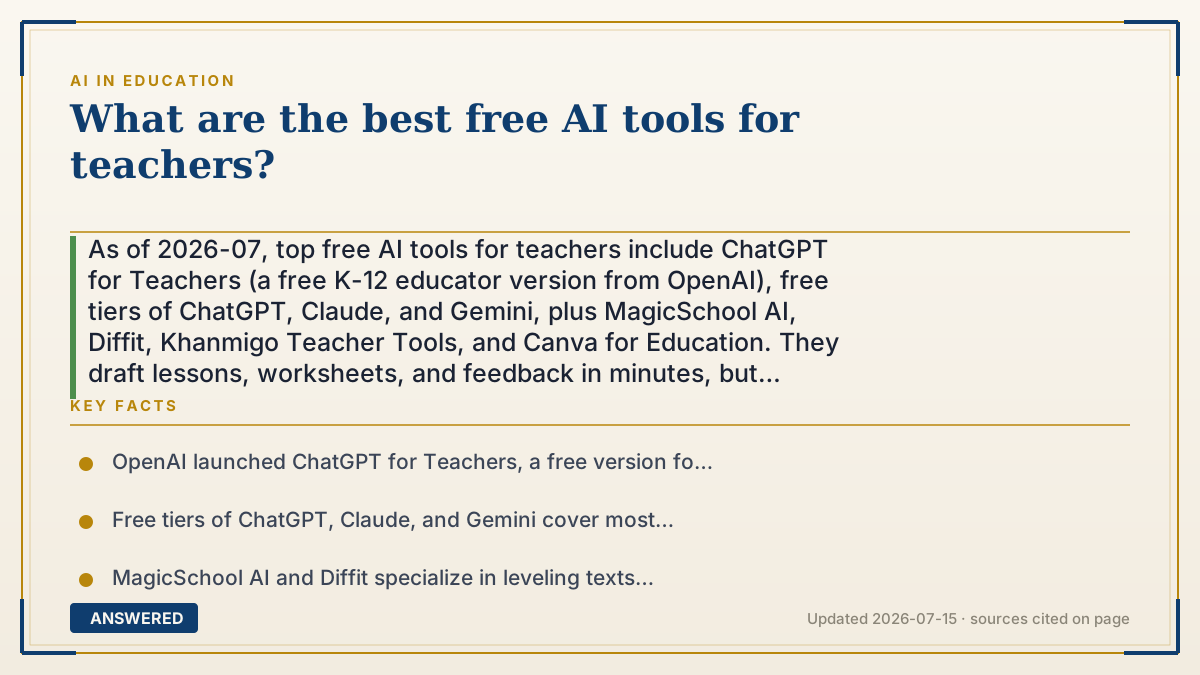
What are the best free AI tools for teachers?
As of 2026-07, top free AI tools for teachers include ChatGPT for Teachers (a free K-12 educator version from OpenAI), free tiers of ChatGPT, Claude, and Gemini, plus MagicSchool AI, Diffit, Khanmigo Teacher Tools, and Canva for Education. They draft lessons, worksheets, and feedback in minutes, but teachers must check accuracy.
Why — the first-principles explanation
Teacher AI tools mostly repackage one capability, text generation, into education-shaped workflows. A general assistant can already draft a lesson, but a teacher-specific tool wraps that same engine in ready-made buttons: "make a rubric," "write a parent email," "level this reading passage." The value isn't a different brain; it's saved clicks and prompts tuned for classroom tasks.
Free comes in two flavors. Some tools are genuinely free education products, like OpenAI's ChatGPT for Teachers (launched for verified K-12 educators, with data not used to train models by default) and Canva for Education. Others are free tiers of paid apps, like MagicSchool AI, Diffit, and the free versions of ChatGPT, Claude, and Gemini, which cap usage or advanced features but cover most daily prep.
The smart approach is to pick by chore, then verify. Planning and differentiation: MagicSchool or Diffit to level texts and build worksheets. Feedback and communication: a general assistant to draft comments or parent notes. Visuals and slides: Canva for Education. Tutoring support: Khanmigo's teacher tools. Because every one of these can produce confident errors, the non-negotiable step is a teacher reading the output before it reaches students, and keeping student data out of tools that aren't privacy-cleared by the school.
An example that makes it click
Imagine a teacher's aide who works for free but needs checking. You say "turn this 12th-grade article into a 6th-grade version, and make five comprehension questions," and two minutes later it's on your desk. You skim it, fix one awkward sentence and one wrong date, and it's ready.
That's what these tools are: a tireless aide for the repetitive prep, worksheets, rubrics, parent emails, reading levels. It does the first draft fast; the teacher still does the final read, because the aide occasionally gets a fact wrong with total confidence.
How to do it
- Verify eligibility for educator products like ChatGPT for Teachers (K-12) and Canva for Education.
- For lesson prep and leveling: use MagicSchool AI or Diffit to build worksheets and adjust reading levels.
- For feedback and parent communication: draft with a general assistant (ChatGPT, Claude, or Gemini free tier).
- For slides and visuals: use Canva for Education's free AI features.
- Always read and fact-check AI output before giving it to students.
- Keep identifiable student data out of tools not approved by your school's privacy rules.
Key facts
- OpenAI launched ChatGPT for Teachers, a free version for verified K-12 educators, with data not used to train models by default.
- Free tiers of ChatGPT, Claude, and Gemini cover most daily lesson-prep tasks.
- MagicSchool AI and Diffit specialize in leveling texts and generating worksheets and rubrics.
- Canva for Education offers free AI-assisted design for teachers.
- All these tools can produce confident errors, so teacher review before classroom use is required.
Looking for a free starting point?
The answer above explains the concept; this next step helps you choose by job, limits and current terms.
▶ The 60-second explainer (script)
What are the best free AI tools for teachers? Start with the education-built ones. OpenAI now offers ChatGPT for Teachers, a free version for verified K-12 educators where your data isn't used to train models by default. Canva for Education is free too, for slides and visuals. Then there are the free tiers of general assistants, ChatGPT, Claude, and Gemini, which handle most daily prep like drafting feedback or parent emails. For lesson planning and leveling readings, MagicSchool AI and Diffit are built exactly for that: turn a hard article into a sixth-grade version and spit out comprehension questions in minutes. For tutoring support, look at Khanmigo's teacher tools. The workflow is simple: pick the tool by the chore, generate a first draft, then read it. Because every one of these can be confidently wrong, the teacher's final read is non-negotiable, and keep identifiable student data out of any tool your school hasn't cleared. Think of it as a free aide that does the boring prep, with you doing the final check.
What authoritative sources say
People also ask
Is there a free ChatGPT made for teachers?
Yes. OpenAI's ChatGPT for Teachers is a free version for verified K-12 educators, with your data not used to train models by default.
What free tool is best for making worksheets?
MagicSchool AI and Diffit are built for it, generating leveled readings, questions, and rubrics quickly.
Can I trust AI-generated lesson materials?
Only after reviewing them. These tools can invent facts or dates, so a teacher should always check before using them in class.
Are free tiers enough, or do I need to pay?
Free tiers cover most daily prep. Paid plans mainly add smarter models and higher usage limits.