What can AI tools do in audacity?
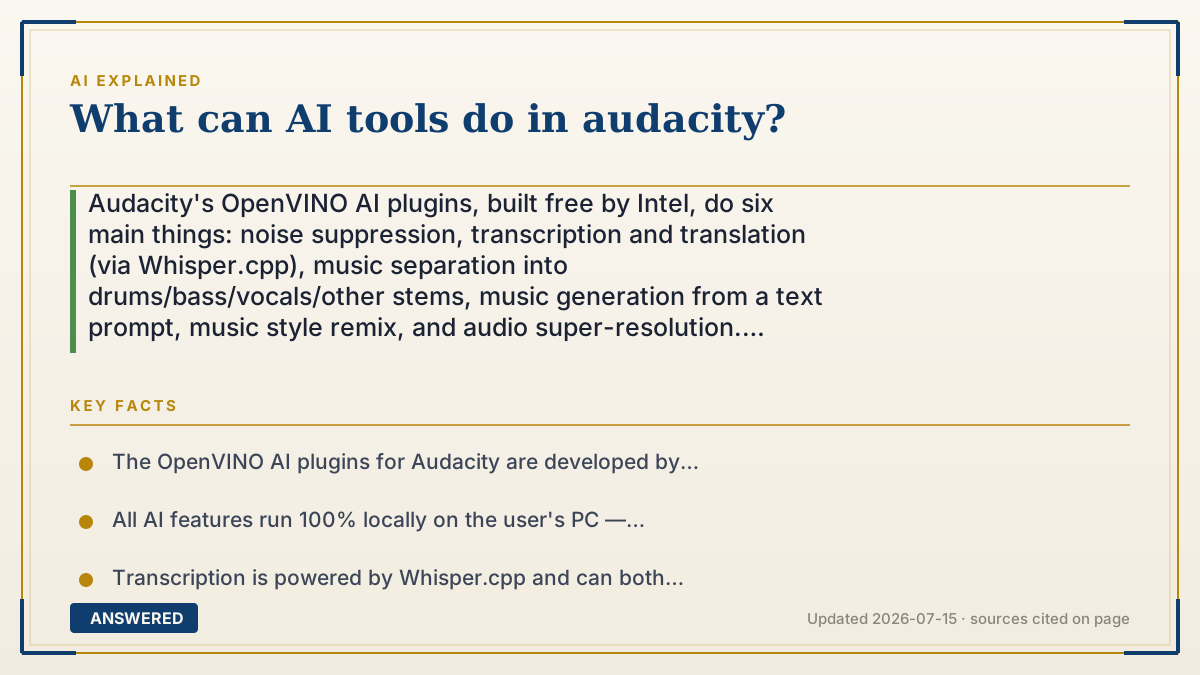
Audacity's OpenVINO AI plugins, built free by Intel, do six main things: noise suppression, transcription and translation (via Whisper.cpp), music separation into drums/bass/vocals/other stems, music generation from a text prompt, music style remix, and audio super-resolution. Everything runs 100% locally on your own CPU, GPU, or NPU — no cloud, no account, no upload.
Why — the first-principles explanation
The genuinely important fact here is the one that sounds like a footnote: these run entirely on your machine. Nearly every other AI audio tool uploads your recording to someone's server. Audacity's plugins don't. Intel built them on OpenVINO — its toolkit for running AI models on ordinary hardware — so the model executes on your own CPU, GPU, or NPU. Your interview, your demo, your client's confidential recording never leaves the building. For journalists, lawyers, doctors, and anyone under an NDA, that single property is worth more than any feature on the list.
Why is local possible at all? Because these are small, specialized models, not frontier systems. Separating drums from a mix is a narrow, well-defined transformation — nothing like the general reasoning a chatbot performs. Small models fit in ordinary RAM and run at usable speed on a laptop. The tradeoff is real: local means slower than a datacenter GPU and capped by your hardware. You're trading speed for privacy and cost, and for most audio work that's an easy trade.
What the tools do splits cleanly by intent. For spoken word: noise suppression strips background hiss and room noise, and transcription — powered by Whisper.cpp — both transcribes and translates, writing results into an Audacity label track so the words line up with the timeline rather than landing in a separate file. That's the design detail that makes it useful: transcription that's anchored to time is editable; a wall of text isn't. For music: separation splits a mono or stereo track into individual stems — drums, bass, vocals, and other instruments — which is the feature that used to require either the original multitracks or expensive studio software. Music Generation and Music Style Remix use Stable Diffusion to create new music from a prompt or to reshape existing audio.
One practical note that trips people up: this is a separate download, not part of stock Audacity, and the plugin builds are version-matched — the initial release (v3.4.2-R1) targeted the Audacity 3.4.2 64-bit Windows release specifically. If it doesn't appear in your effects menu, that's almost always a version mismatch rather than a broken install. Also worth knowing: stems extracted from a copyrighted song are still that song. Separation changes the file, not who owns it.
An example that makes it click
Think about a smoothie. Once it's blended, getting the strawberries back out is supposed to be impossible — the information is gone.
Except it isn't quite. A drum hit and a bass note leave different fingerprints in the sound, the same way strawberry seeds still look like seeds under a microscope. A separation model has heard so many songs that it learned what "drums" look like as a pattern, and it can sift the mix and pull them back out. Not perfectly — you'll sometimes hear a ghost of the vocal in the drum stem, the way a bit of pulp comes along. But well enough to remix, practice over, or sample.
That used to require the original studio multitracks, which almost nobody has. Now it's a free plugin running on your laptop, with the audio never leaving the room.
How to do it
- Confirm your Audacity version first. The OpenVINO plugins are version-matched to specific Audacity builds — the initial release (v3.4.2-R1) required Audacity 3.4.2 64-bit on Windows.
- Download the plugins from the official Audacity OpenVINO page or Intel's GitHub repository. They are free and separate from the base Audacity install.
- Install and restart Audacity. The AI tools appear in the Effects, Generate, and Analyze menus rather than in one combined panel.
- For a podcast or interview: run Noise Suppression first to remove hiss and room tone, then run Transcription — it outputs into a label track aligned to the timeline.
- To transcribe another language, use the Whisper.cpp-based transcription, which both transcribes and translates.
- For music stems: run Music Separation on a mono or stereo track to split it into drums, bass, vocals, and other instruments.
- To create audio: use Music Generation to make new music from a text prompt, or Music Style Remix to reshape existing audio — both use Stable Diffusion.
- Expect the first run of each effect to be slow — models load and run on your local CPU, GPU, or NPU. Speed depends entirely on your hardware, not on a server.
Key facts
- The OpenVINO AI plugins for Audacity are developed by Intel, are free and open-source, and are distributed separately from the base Audacity install.
- All AI features run 100% locally on the user's PC — OpenVINO executes the models on supported accelerators including CPU, GPU, and NPU, with no cloud upload.
- Transcription is powered by Whisper.cpp and can both transcribe and translate, outputting to an Audacity label track aligned with the timeline.
- Music Separation splits a mono or stereo track into individual stems: drums, bass, vocals, and other instruments.
- Music Generation and Music Style Remix use Stable Diffusion to generate new music from a text prompt or based on pre-existing music.
- Noise Suppression targets background noise in spoken-word recordings.
- The initial plugin release (v3.4.2-R1) was compatible only with the Audacity 3.4.2 64-bit release for Windows — plugin builds are matched to specific Audacity versions.
- The plugins are also distributed through MuseHub as the 'OpenVINO AI Tools' plugin by Muse Group.
▶ The 60-second explainer (script)
What can AI tools do in Audacity? Six main things, all free, all built by Intel. Noise suppression. Transcription and translation. Music separation into stems. Music generation from a text prompt. Style remix. And audio super-resolution. But the most important fact sounds like a footnote, so let me lead with it: these run entirely on your own machine. Nearly every other AI audio tool uploads your recording to somebody's server. These don't. Intel built them on OpenVINO — its toolkit for running AI models on ordinary hardware — so the model executes on your CPU, GPU, or NPU. Your interview, your demo, your client's confidential recording never leaves the building. If you're a journalist, a lawyer, a doctor, or anyone under an NDA, that single property beats every feature on the list. Why is local even possible? Because these are small, specialized models — not frontier systems. Separating drums from a mix is a narrow, well-defined transformation. Nothing like the general reasoning a chatbot does. Small models fit in normal RAM and run at usable speed on a laptop. The tradeoff is real: it's slower than a datacenter GPU and capped by your hardware. You're trading speed for privacy. For audio work, that's an easy trade. On the spoken word side: noise suppression strips hiss and room tone. Transcription runs on Whisper.cpp, and it both transcribes and translates — and here's the smart design detail — it writes into an Audacity label track, so the words line up with the timeline instead of dumping into a separate file. Time-anchored transcription is editable. A wall of text isn't. On the music side, the big one is separation: it splits a mono or stereo track into drums, bass, vocals, and other instruments. Think of a smoothie. Once it's blended, getting the strawberries back should be impossible. But a drum hit and a bass note leave different fingerprints, and a model that's heard enough songs can sift them back out. Not perfectly — you'll hear a ghost of the vocal in the drum stem sometimes. But well enough to remix or practice over. That used to require the original studio multitracks, which almost nobody has. One gotcha: it's a separate download, and the plugin builds are matched to specific Audacity versions. If it's not in your effects menu, that's a version mismatch, not a broken install.
What authoritative sources say
People also ask
Are Audacity's AI tools free?
Yes. The OpenVINO AI plugins are free and open-source, developed by Intel, and available from Audacity's official download page, Intel's GitHub, or MuseHub. No account or subscription.
Does Audacity upload my audio to the cloud?
No. The AI features run 100% locally, executing on your own CPU, GPU, or NPU via OpenVINO. Your recordings never leave your machine — which matters a lot for confidential or NDA-covered material.
Can Audacity separate vocals from a song?
Yes. Music Separation splits a mono or stereo track into individual stems — drums, bass, vocals, and other instruments. Quality varies by material, and you'll sometimes hear bleed between stems.
Why don't the AI tools show up in my Audacity?
Almost always a version mismatch. The plugins are separate downloads matched to specific Audacity builds — the initial release required Audacity 3.4.2 64-bit on Windows. Check your version against the plugin's requirements.
Can I legally use stems I extracted from a song?
Separation changes the file, not the ownership. Stems pulled from a copyrighted recording are still that copyrighted recording. Personal practice is one thing; releasing or sampling them is a licensing question.