What is Google AI?
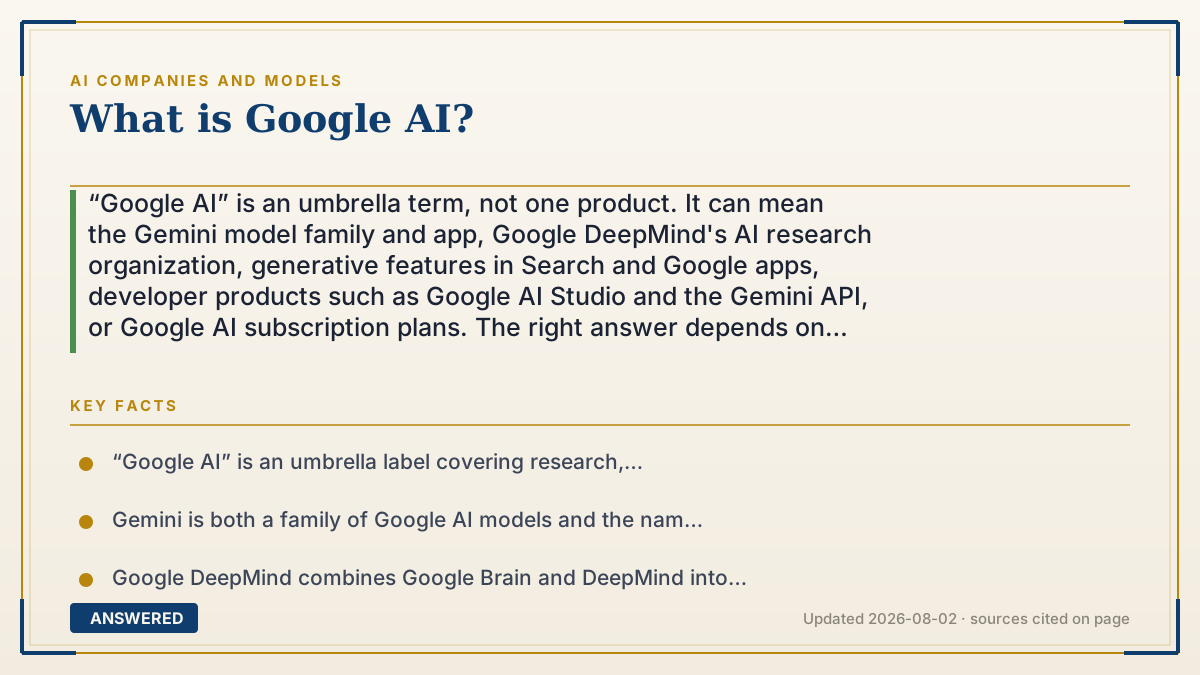
“Google AI” is an umbrella term, not one product. It can mean the Gemini model family and app, Google DeepMind's AI research organization, generative features in Search and Google apps, developer products such as Google AI Studio and the Gemini API, or Google AI subscription plans. The right answer depends on whether you want to chat, search, build, create or manage a workspace; availability, limits and pricing vary by product, account, age, language and country.
Why — the first-principles explanation
The phrase is confusing because it labels several layers of one ecosystem. Gemini is a family of models and the consumer assistant people can use on the web or in a mobile app. The app can work with text, voice and images, and Google warns that its responses can be inaccurate, so “Google AI” is not a guarantee of factual authority.
Google DeepMind is the research and engineering organization that brings together Google Brain and DeepMind. It develops and studies many systems, not only the Gemini assistant. Its public work spans language, image, audio, robotics, science and other model families. A research lab, a model family and a consumer app are related, but they are not interchangeable names.
Google Search AI features are another layer. AI Overviews can show an AI-generated snapshot with links when Google's systems decide it may help; AI Mode supports a more conversational search experience. Those features use Search and can vary by country, language, device and account. A Search summary is not the same thing as opening the Gemini app, and both can make mistakes.
Build surfaces include Google AI Studio and the Gemini API. Developers can use models for text and image generation, multimodal analysis, structured output, function calling and tools, depending on the API and model. A developer's application adds its own prompts, data, permissions, logging, retrieval and user experience; Google's model name alone does not describe that application.
Plans and integrations are a separate commercial layer. Google offers multiple AI plan tiers and places Gemini features in products such as Gmail, Docs, NotebookLM and other services, with different limits and benefits. The official plan pages state that availability, age requirements, languages, regions, platform and feature access differ. Treat plan names, model names, quotas, bundles and prices as dated product facts, not permanent definitions of Google AI.
A useful one-line answer is therefore: Google AI is Google's changing ecosystem of AI research, Gemini models, user-facing assistants, Search features, developer APIs and subscriptions. To choose it, start with the job and data you need, then verify the exact product's current terms, availability, privacy controls, limits and accuracy before relying on it.
An example that makes it click
Imagine a small team preparing a market report. Someone asks the Gemini app to summarize a document, uses a Search AI feature to explore a current question, and then tests a prototype in Google AI Studio. The app, Search feature and developer API may all use Gemini-related technology, but they have different interfaces, data paths, quotas and terms. The team still checks sources, keeps confidential files in an approved workspace and records which product and date produced each result. Calling all three “Google AI” is understandable; treating them as the same service would be a costly mistake.
How to do it
- Name the job first: conversation, web research, writing, image or video creation, coding, document analysis, app integration, search assistance or a workspace feature.
- Choose the layer that matches the job. Compare the Gemini app, Google Search AI features, NotebookLM, Google AI Studio, Gemini API, Workspace integrations and subscription plans as separate products.
- Check the exact account and region. Confirm country, language, age, personal versus Workspace account, device, app version, supported model, trial and feature rollout before promising access to a team or customer.
- Read the current privacy and data terms. Identify what is sent, stored, reviewed, used for improvement, connected to other Google services and available for deletion or administrator control.
- Test representative inputs. Include an ordinary task, a long document, an image or audio input if relevant, a missing-data case, an adversarial prompt and a case where a wrong answer would be costly.
- Verify outputs with primary sources. Gemini and AI Overviews can be useful starting points but may be inaccurate; open cited links, compare independent evidence and keep a human responsible for consequential decisions.
- For development, separate the model from your application. Define prompts, retrieval sources, tool permissions, structured outputs, rate limits, logging, user consent and an obvious failure or human-handoff path.
- Compare plans by the workload you will actually run. Record current model access, quotas, context or file limits, storage, integrations, support, cancellation terms and regional exclusions instead of comparing a headline tier name.
- Measure success with a baseline. Track task completion, factual or grounded-answer rate, latency, cost, user corrections, privacy incidents and downstream outcomes; do not use a fluent demo as a quality benchmark.
- Recheck before renewal or launch. Google changes models, names, limits and availability, so date your evaluation, save the official support page and rerun the test suite after a material product or policy change.
Key facts
- “Google AI” is an umbrella label covering research, models, consumer assistants, Search features, developer tools, app integrations and subscription plans.
- Gemini is both a family of Google AI models and the name used for consumer assistant experiences; a particular app feature may use different models or limits over time.
- Google DeepMind combines Google Brain and DeepMind into a research and engineering organization working across multiple AI domains and systems.
- AI Overviews are AI-generated snapshots in Google Search with links to supporting information; Google says they can make mistakes and should be checked for important facts.
- Google AI Studio and the Gemini API are developer surfaces for integrating models into applications, including multimodal inputs, structured output, tools and agents depending on the selected API and model.
- Google AI plans provide different access levels and benefits; official pages note that features, languages, ages, platforms, countries and limits vary.
- The model name does not specify an application's prompt, retrieved data, tool permissions, logging, privacy terms or output quality.
- Gemini support documentation tells users not to rely on responses as medical, legal, financial or other professional advice and to double-check inaccurate or inappropriate answers.
- A free or included feature can still have usage limits, account requirements, regional restrictions or a separate data path from a paid API or Workspace product.
- The most durable way to compare Google AI is by task, evidence, controls, availability, cost and failure handling—not by a single model name or benchmark screenshot.
Choose the Google AI layer that matches your job
Separate Gemini, Search AI, DeepMind research, developer APIs and subscription plans, then verify the exact account, region, data path, limits and evidence before you rely on or buy a feature.
▶ The 60-second explainer (script)
What is Google AI? It is not one product. It is an umbrella for several layers. Gemini is the model family and the assistant app. Google DeepMind is the research and engineering organization behind many systems. Search has AI Overviews and AI Mode, which can summarize information with links but can still make mistakes. Developers can use Google AI Studio and the Gemini API to build applications with multimodal input, structured output and tools. Google also bundles different AI features into plans and products such as Gmail, Docs and NotebookLM. These layers can share technology, but they do not share the same limits, data path, account requirements or regional availability. Start with your job, verify the exact current product page, test representative inputs and double-check important answers. “Google AI” is the ecosystem; Gemini is one of its most visible interfaces.
What authoritative sources say
People also ask
Is Google AI the same as Gemini?
No. Gemini is a model family and the name used for assistant experiences. “Google AI” is a broader umbrella that can also refer to DeepMind research, Search AI features, developer tools, app integrations and plans.
What is Google Gemini?
Gemini is Google's family of AI models and the name of its consumer assistant experiences. The exact model, tools, limits, data controls and availability depend on the app, account, plan and region.
What is Google DeepMind?
Google DeepMind is Google's AI research and engineering organization, formed by bringing Google Brain and DeepMind together. It works on many research systems and products, not only the Gemini app.
What are Google AI Overviews?
AI Overviews are AI-generated snapshots that can appear in Google Search with links to supporting information. They are a Search feature, not the same interface as the Gemini app, and Google warns that they can make mistakes.
Is Google AI free?
Some Gemini and Search experiences are available without a paid plan, while Google also offers paid AI plan tiers and developer billing. Access, limits, age, region and features vary, so check the current official page for the product and account you mean.
What happened to Google Bard?
Bard was an earlier name for Google's conversational AI product; Google later moved the consumer experience under Gemini. Check the current Gemini help and product pages rather than relying on an old Bard feature list.
What can Google AI do?
Depending on the product, it can answer questions, analyze text or images, summarize documents, help write or code, search, generate media, organize research, connect to tools or assist inside Google apps. A feature list is not a guarantee of accuracy or availability.
Is Google AI better than ChatGPT?
There is no permanent winner. Compare the exact products on your tasks, sources, integrations, limits, privacy terms, latency, price and failure handling. Run the same representative evaluation instead of trusting a single benchmark or viral answer.
Can developers build with Google AI?
Yes. Google AI Studio and the Gemini API provide developer surfaces for model calls, multimodal inputs and features such as structured output, function calling and tools, depending on the selected model and API. You still own application security, permissions, logging and user experience.
Does Google AI use my data?
The answer depends on the product, account, settings and terms. Review the relevant Gemini, Search, Workspace or API privacy documentation, identify retention and human-review controls, and do not upload confidential material until the data path is approved.
Can I trust Google AI for important decisions?
No AI assistant should be the sole authority for medical, legal, financial, safety or identity decisions. Google tells users to double-check Gemini responses, and Search AI documentation likewise recommends checking important information in more than one place.
The same question, asked other ways
- What is Google's AI?