What are AI glasses?
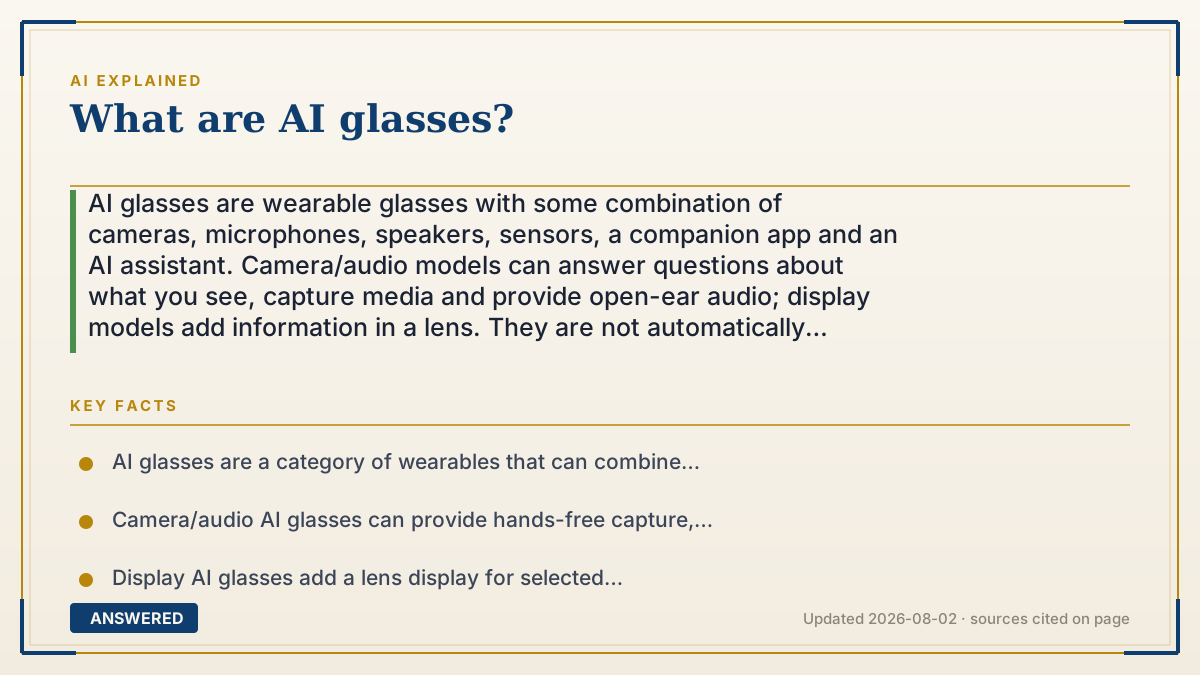
AI glasses are wearable glasses with some combination of cameras, microphones, speakers, sensors, a companion app and an AI assistant. Camera/audio models can answer questions about what you see, capture media and provide open-ear audio; display models add information in a lens. They are not automatically augmented-reality glasses. Check the exact generation for connectivity, data handling, battery, prescription support, price and whether features work in your country.
Why — the first-principles explanation
“AI glasses” describes a product category, not one technical design. The useful distinction is the interface:
1. Camera/audio AI glasses: a camera and microphones capture context; open-ear speakers return an answer, call or translation. A companion phone and network service may handle much of the processing. 2. Display AI glasses: add a small in-lens display for short visual responses, captions, navigation or controls. A display changes the interaction, but it does not automatically make a product full augmented reality. 3. True AR glasses: place digital 2D or 3D content into the physical scene through a transparent or holographic display. Meta describes its Orion prototype this way, while distinguishing display-less Ray-Ban Meta glasses from true AR.
Across all three, the hardware is a sensor and interface around a software service. The purchase decision is therefore bigger than “does it have AI?” Ask what is captured, where processing occurs, which phone or account is required, what happens when connectivity fails, and what a bystander can see or hear. A capture indicator helps communicate recording, but it does not replace local rules, consent or respectful behavior.
The category also changes quickly. Meta's current product pages show multiple families and generations, including camera/audio glasses and a display model; newsroom announcements describe feature rollouts, limited availability and market-specific terms. Treat every price, battery figure, model name, language, prescription option and feature list as a dated claim. Compare the exact SKU and software version you can buy, not a viral demonstration of another model.
An example that makes it click
Imagine walking through a museum. Camera/audio glasses might let you ask about the painting and hear a short answer while keeping your hands free. Display glasses could show a caption, translation or a small navigation cue. Full AR glasses could place a larger virtual panel in the room. In each case, the camera may capture nearby people and the answer may depend on a phone, an account and a network. Before buying, test the same task, inspect the recording indicator and privacy controls, and decide whether the social and data trade-offs fit the setting.
How to do it
- Start with the job: hands-free capture, calls, translation, accessibility, navigation, reminders, visual questions or an AR overlay. Do not start with a brand slogan.
- Classify the product as camera/audio, display or true AR. Confirm whether it has a screen and whether the advertised AI feature is available on the exact generation.
- Read the official specification and support pages for the exact SKU. Record camera, microphones, speakers, display, sensors, connectivity, account, operating-system and region requirements.
- Test the workflow on representative inputs. Try voice, a visual question, a noisy environment, a weak connection and a task where a wrong answer would matter.
- Check the data path. Ask when audio, images or transcripts are captured, where they are processed, how long they are retained, who can access them and how to delete them.
- Respect bystanders. Learn the capture indicator, disable or avoid recording where appropriate, announce recording when required, and follow workplace, school, venue and local privacy rules.
- Evaluate comfort and fit: weight, nose pads, open-ear sound leakage, heat, control discoverability, prescription compatibility, eye safety and whether the frame works as ordinary eyewear.
- Measure endurance honestly. Test the workload you will actually use, including camera time, calls, display use, network conditions and charging-case availability; headline maximums are not a daily guarantee.
- Compare total ownership: glasses, lenses, case, phone, subscription or account, replacement parts, warranty, regional availability and the cost of a lost or damaged device.
- Create an exit plan. Know how to revoke app permissions, export or delete data, disable the assistant, return the product and switch to a phone or ordinary glasses when the context is sensitive.
Key facts
- AI glasses are a category of wearables that can combine cameras, microphones, speakers, sensors, companion software and an AI service.
- Camera/audio AI glasses can provide hands-free capture, open-ear audio, calls and voice interactions without putting a display in the lens.
- Display AI glasses add a lens display for selected visual responses, captions, navigation or controls; this is different from full-room augmented reality.
- Meta describes Orion as a true AR prototype with holographic displays, while distinguishing it from display-less Ray-Ban Meta smart glasses.
- AI features may depend on a phone, account, network, companion app or cloud service; the dependency is product- and feature-specific.
- A camera indicator communicates capture, but it cannot establish consent from every person in the camera's field of view.
- Privacy risk includes not only saved photos but also audio, transcripts, location, contacts, app permissions, cloud processing and access by other services.
- Battery, weight, heat, audio leakage, prescription support, price, languages and availability vary by generation and market.
- A product page's feature list describes capability, not accuracy; test visual recognition, translation, navigation and reminders on your own tasks.
- The category is evolving quickly, so record the exact model, software version, market and date whenever you compare products or make a purchase decision.
Choose the interface and data trade-off that fits real life
Separate camera/audio, display and true AR claims, then verify the exact model's privacy, phone dependency, fit, battery and regional features before subscribing or buying.
▶ The 60-second explainer (script)
What are AI glasses? They are wearable glasses that combine some mix of cameras, microphones, speakers, sensors, a companion app and an AI assistant. The first distinction matters: camera and audio glasses are not automatically augmented reality. They can see or hear context and answer through open-ear speakers. Display glasses add short visual responses in a lens. True AR glasses place digital 2D or 3D content into the physical scene. Before buying, check the exact model's phone and network needs, what data it captures, privacy controls, capture indicators, prescription fit, battery and regional feature availability. The product is the whole system—not just the frame or the demo—and nearby people are part of the privacy decision even when they are not the wearer.
What authoritative sources say
People also ask
Do AI glasses show images in your vision like AR?
Some have a display and some do not. Camera/audio glasses generally answer through open-ear audio; display glasses add selected visual content; true AR glasses use a larger spatial or holographic display. Check the exact model.
Do AI glasses work without a phone?
It depends on the model and feature. Many rely on a companion phone, account or network for AI, calls and synchronization. Read the current support page and test offline behavior before assuming independence.
Can people tell when the glasses are recording?
Some products use a capture indicator. It can help communicate recording, but it is not a substitute for consent, venue rules or respectful behavior around people who may not notice it.
Can I get AI glasses with prescription lenses?
Some families support prescription options, but lens range, fit, country, insurance and availability vary. Confirm the exact frame and prescription process with the current manufacturer or optical partner.
How long does the battery last?
There is no category-wide number. Camera use, display time, calls, temperature, network conditions and software settings change real-world endurance; compare the workload you will actually use.
Are AI glasses the same as smart glasses?
AI glasses are a type of smart glasses with AI features. Smart glasses can also focus on audio, notifications, capture or controls without an AI assistant. Product labels are not standardized, so inspect the feature list.
Can AI glasses identify everything I look at?
No. Recognition can be wrong, uncertain, unavailable offline or limited by the model, language, lighting, privacy rules and network. Treat answers as assistance and verify important information.
Can I use AI glasses in a workplace or school?
Only if the setting's policies and applicable privacy rules allow them. Camera, microphone, cloud processing and recording can create obligations for you and for the organization.
Do AI glasses listen all the time?
The behavior depends on wake-word, controls, recording and product settings. Read the current privacy documentation and inspect permissions; do not assume that standby, wake-word detection and saved recordings are the same thing.
Are AI glasses worth buying?
They can be worthwhile if hands-free capture, audio or contextual assistance solves a frequent problem. Compare the exact model's accuracy, comfort, privacy, phone dependence, battery, cost and return policy against simply using a phone.
Are AI glasses safe?
Safety is task- and context-dependent. Consider eye and hearing comfort, distraction, data exposure, bystander privacy and the consequences of a wrong answer; keep human judgment for high-stakes decisions.
The same question, asked other ways
- What do AI glasses do?